Metric widget
The metric widget shows a live result of your feedback on any web page: the average grade, the Net Promoter Score, or the customer satisfaction score, for the whole account or for one campaign. It is a small public frame rendered by InstantFeedback, so it always shows the current numbers.
- Three metrics: Average grade (AVG), Net Promoter Score (NPS), and Customer satisfaction (CSAT). NPS and CSAT are offered only when the account has campaigns with that metric.
- Account-wide or per campaign.
- An optional period selector inside the widget, and fixed filters by period, date range, and campaigns.
- Embed as a script snippet or as an iframe. Nothing is stored in InstantFeedback; the whole configuration lives in the embed code.
Before you start
- Any member of the account can open the widget pages. For a campaign widget you need access to that campaign.
- The widget is public. Anyone who has the embed code or the frame address can display the metric, so only embed it where the numbers may be seen.
Account-wide widget
- Open Reports and click Widgets in the top-right corner of the overview.

The Reports overview. The Widgets button next to the filters opens the account-wide widget page.
- Under Widget settings, choose the Metric, the Language of the widget, and the options for that metric.
- Under Filtering, choose a Period or a date range, and optionally limit the widget to some Campaigns. Click Apply.
- Check the Preview, then copy the Script embed code or the iframe embed code with Copy to clipboard.
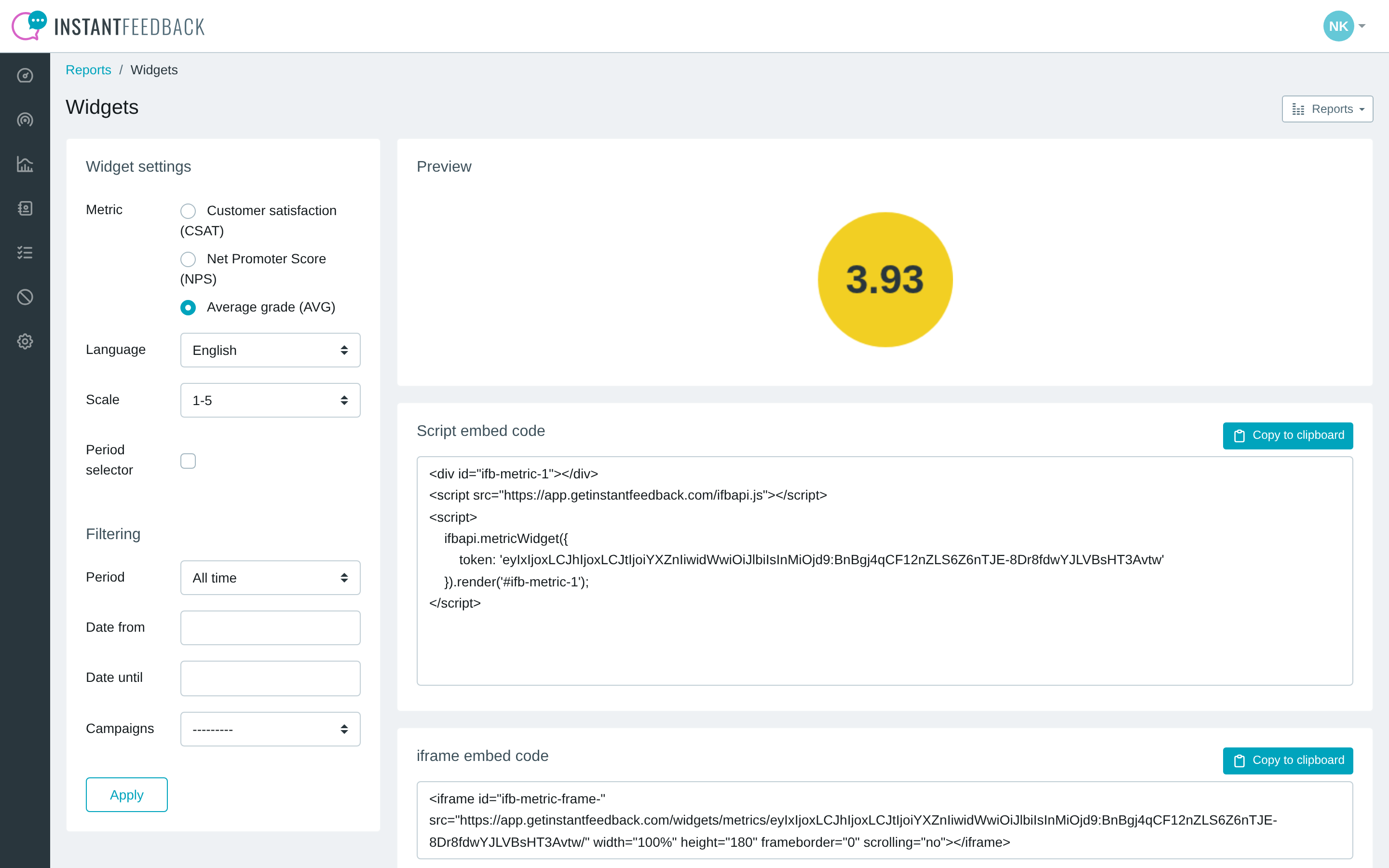
The account-wide metric widget with its default settings: average grade over all time.
| Setting | Meaning |
|---|---|
| Metric | What the widget shows: Average grade (AVG), Net Promoter Score (NPS), or Customer satisfaction (CSAT). |
| Language | Language of the texts inside the widget. Defaults to the account's default campaign language. |
| Scale | Grading scale the average is shown on. Only for AVG and CSAT; the widget counts the campaigns on that scale. |
| NPS layout | Index only shows the NPS gauge. Horizontal and Vertical add the share of detractors, passives, and promoters next to or below it. Only for NPS. |
| Period selector | Shows a drop-down inside the widget so visitors can switch between periods themselves. |
| Period | Fixed period the metric is calculated for: All time, Today, Yesterday, Last 7 days, Last 14 days, Last month, Last 3 months, Last 6 months, or Last year. |
| Date from, Date until | A fixed date range instead of a period. Available when Period is All time. |
| Campaigns | Limits the widget to the selected campaigns. Only campaigns with the chosen metric are listed. |
Changing the metric or the period refreshes the page immediately; other changes take effect when you click Apply. The preview and both embed codes are generated from the current settings, and nothing is saved. To change a widget that is already on your website, come back to this page, set the options again, and replace the embed code.
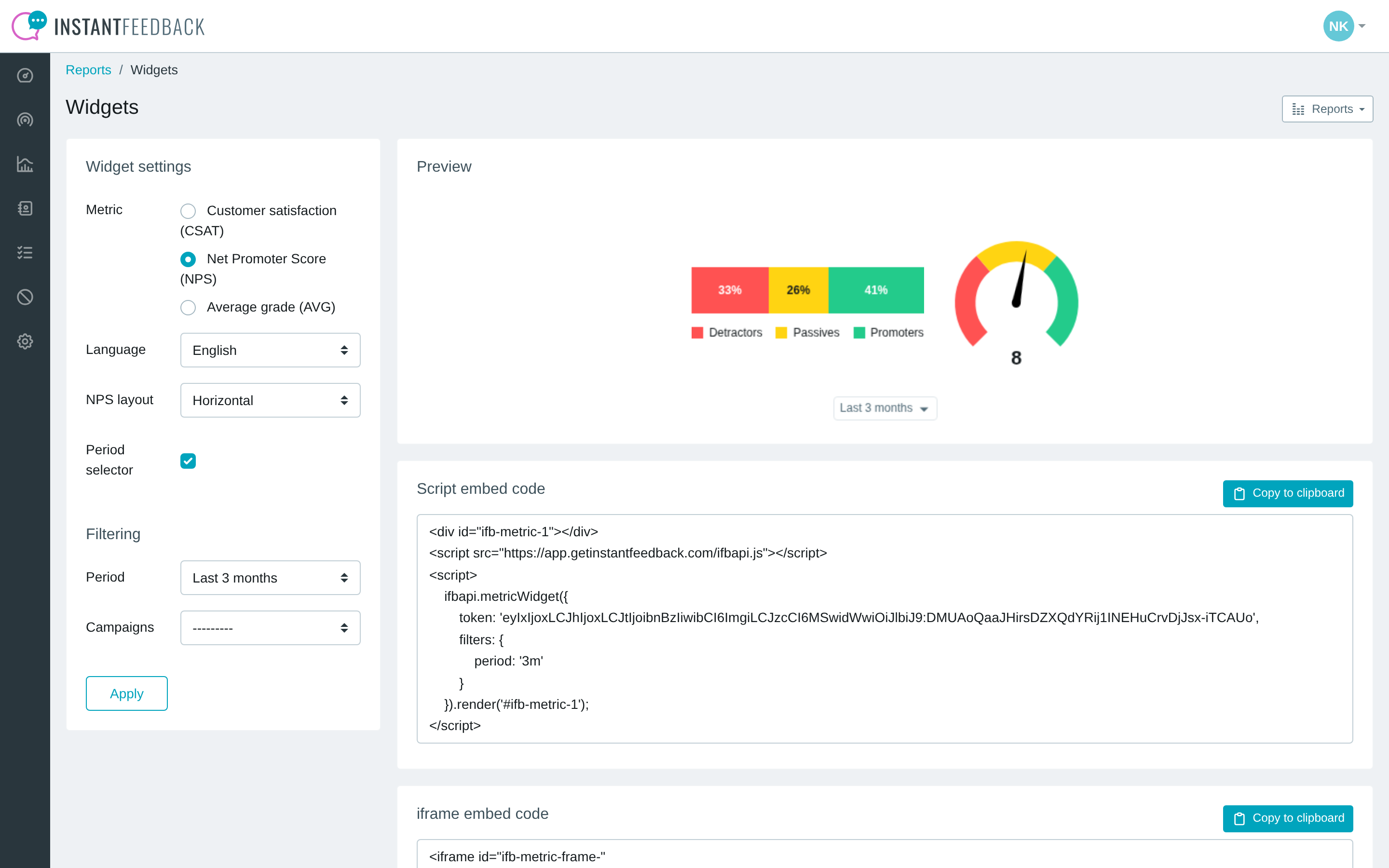
An NPS widget in the horizontal layout with the period selector switched on and the last three months as the starting period.
Campaign widget
- Open Campaigns, click the campaign, open the menu in the top-right corner, and choose Widgets.
- Select the Metric widget tab. For campaigns without a feedback widget it is the only tab.
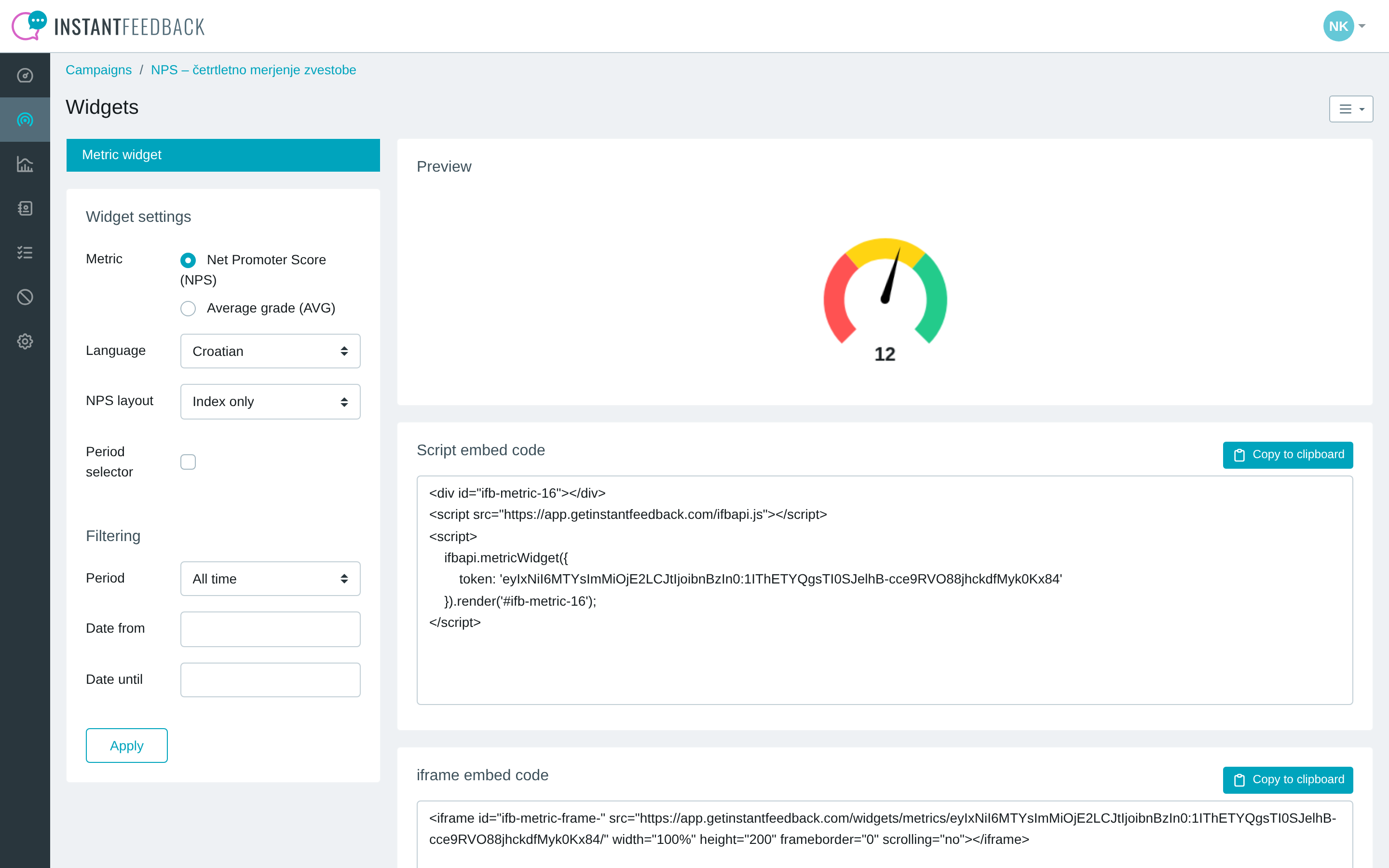
The metric widget of an NPS campaign. The metric defaults to the campaign's metric.
The settings are the same as for the account-wide widget, with these differences:
- Metric offers the campaign's own metric and Average grade (AVG).
- There is no Scale setting; the campaign's scale is used.
- There is no Campaigns filter.
A campaign widget is a separate embed with its own token, not an override of the account-wide widget. Both can be on the same page.
What visitors see

Average grade: a badge with the average to two decimals.
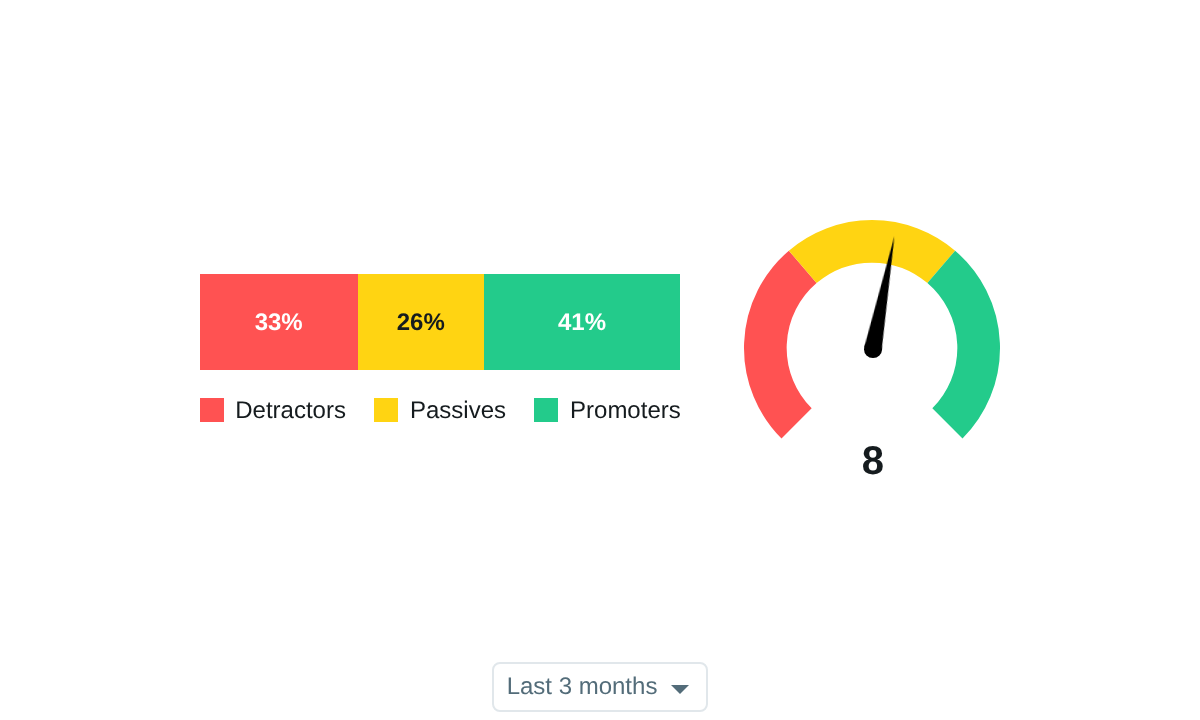
NPS in the horizontal layout: the share of detractors, passives, and promoters, the gauge with the index, and the period selector.

When no feedback matches the period and filters, the widget shows "No data."
Embed code
Both snippets are generated on the Widgets page. The script version renders the widget into
a <div>:
<div id="ifb-metric-1"></div>
<script src="https://app.instantfeedback.si/ifbapi.js"></script>
<script>
    ifbapi.metricWidget({
        token: '<token>',
        filters: {
            period: '3m'
        }
    }).render('#ifb-metric-1');
</script>
The iframe version needs no JavaScript:
<iframe id="ifb-metric-frame-1" src="https://app.instantfeedback.si/widgets/metrics/<token>/?period=3m"
        width="100%" height="240" frameborder="0" scrolling="no"></iframe>
The token encodes the account or campaign, the metric, the language, the scale or layout,
and whether the period selector is shown. The filters travel separately: as the filters
object of ifbapi.metricWidget(), or as query parameters of the frame address. The height in
the iframe snippet fits the chosen metric and layout.
| Filter | Meaning |
|---|---|
period |
One of the period codes below. Leave it out for all time. |
date_from, date_until |
A fixed date range instead of a period, as YYYY-MM-DD. |
campaigns |
Campaign IDs separated by commas, for example 3,7. Account-wide widget only. |
| Period | Code |
|---|---|
| Today | td |
| Yesterday | yd |
| Last 7 days | 7d |
| Last 14 days | 14d |
| Last month | 1m |
| Last 3 months | 3m |
| Last 6 months | 6m |
| Last year | 1y |
Periods and date ranges count differently
A period selects feedback requests by the date they were sent. A date range selects them by the date the grade was received. The two can give different numbers for the same days.
Troubleshooting
| Message or symptom | What to do |
|---|---|
| The widget shows No data. | No graded feedback matches the period, date range, or campaigns. Widen the period or remove a filter. |
| The widget area stays empty. | The token in the embed code is not valid, for example because it was edited or truncated. Copy the embed code again from the Widgets page. |
| NPS or CSAT is not offered under Metric. | The account has no campaign with that metric. |
| The numbers differ from the reports in the web app. | Check the period and campaign filters in the embed code, and see the note above about periods and date ranges. |
| I changed the settings, but the widget on my site did not change. | The settings are not stored. Replace the embed code on your site with the newly generated one. |